

Your dedicated database, built into the platform
A dedicated database for your agents — define schemas, sync data from external systems, and model the entities that matter for your business.
Four steps to a live data layer
From empty database to queryable API in minutes.
Provision
Spin up a dedicated Postgres instance per customer with one click.
Create Tables
Define schemas for loads, orders, carriers, or any domain entity.
Connect Data
Poll external systems on a schedule or dump data from workflow runs.
Query & Expose
Run SQL directly or expose tables through an auto-generated REST API.
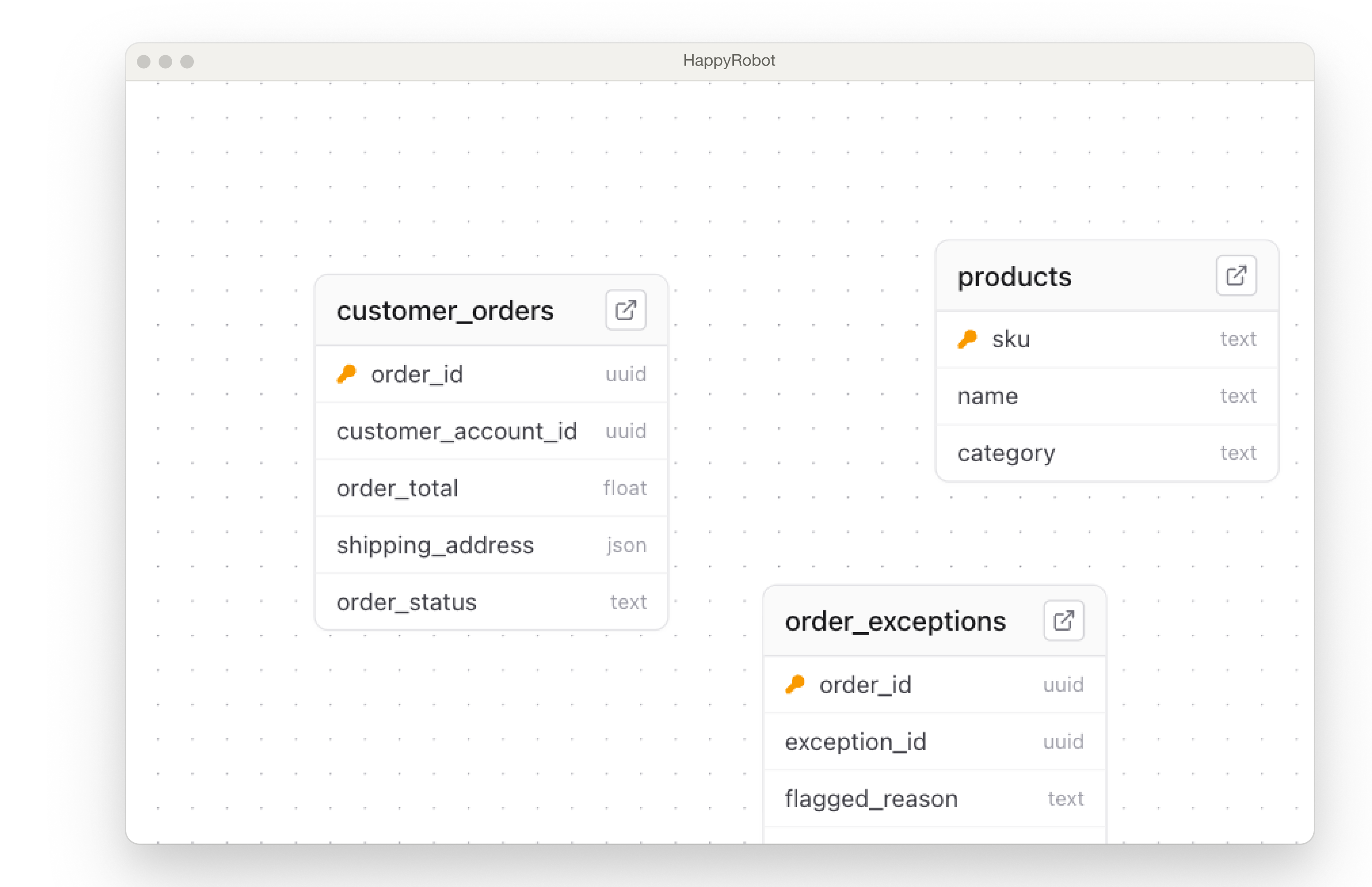
Define your schema or let the platform build it
Create typed tables with primary keys, defaults, and constraints — or push data and let the schema be inferred automatically.
Typed Columns
Text, integer, boolean, timestamp, JSON, UUID, and float — every column is strictly typed.
Row Operations
Insert, update, upsert, and delete rows via the UI, SQL, or the REST API.
SQL Views
Create read-only views that join, filter, or aggregate across tables.
Auto-Table Creation
Push data from a workflow and the platform creates the table and schema automatically.
Keep your database in sync — automatically
Pull data from external systems on a schedule or push it from workflow runs. Every row is tracked and auditable.
Scheduled Sync
Poll TMS, ERP, or any API on a cron schedule with cursor-based pagination.
Workflow Dumps
Log call transcripts, order updates, and audit trails directly from workflow runs.
Audit Trails
Every write is timestamped and traceable — full history of what changed and when.
Know exactly what your data is doing
Track every sync job, inspect failures, and backfill on demand.
Status Tracking
Every sync job moves through a clear lifecycle — pending, running, completed, or failed — so you always know where things stand.
Manual Backfill
Re-run any sync from a specific cursor or timestamp to patch gaps without duplicating data.
Sync Metrics
Track rows synced, job duration, error rates, and last-sync timestamps across all connected sources.
SQL when you need it, REST when you don't
Write queries in the built-in editor or let PostgREST generate endpoints for every table automatically.
- ✓SQL Editor — write and test queries directly in the platform
- ✓PostgREST Gateway — every table gets an auto-generated REST endpoint
- ✓Row-level security — scope access per customer or API key
- ✓Joins & views — combine tables and expose computed datasets
Managed Postgres, zero ops
Every customer gets a dedicated, encrypted Postgres instance with serverless access — no infrastructure to manage.
- ✓Dedicated RDS — each customer gets an isolated Postgres instance on AWS RDS
- ✓Encrypted credentials — connection strings are encrypted at rest and in transit
- ✓Status lifecycle — instances move through provisioning, active, paused, and terminated states
- ✓Fargate gateway — PostgREST runs on serverless containers with auto-scaling
- ✓JWT auth — every API request is authenticated and scoped with signed tokens